
TL;DR:
- Effective event notifications use multi-channel, timed messages to improve coordination and reduce no-shows. Proper segmentation, clear ownership, and structured workflows ensure relevance, minimize fatigue, and handle unexpected issues. Behavior-triggered alerts and post-event reviews enhance communication discipline for seamless event execution.
Event notifications are automated, purposeful communications that keep organizers, vendors, and attendees informed at every critical milestone throughout the event lifecycle. The role of notifications in event planning goes far beyond simple reminders. Done well, they reduce no-shows, prevent logistical breakdowns, and guide every stakeholder from initial awareness to day-of action. The shift toward multi-channel, behavior-triggered notification systems has made disciplined communication design a core competency for any event coordinator who wants predictable, professional results.
How do notifications improve communication between organizers, vendors, and attendees?
Notifications solve the single biggest coordination problem in event planning: information reaching the wrong person, through the wrong channel, at the wrong time. A multi-channel notification strategy combining email for formal confirmations and SMS or WhatsApp for urgent real-time updates significantly improves attendance and reduces no-shows. That finding has a direct operational implication. If you send a venue change notice by email at 7:00 AM on event day, a large portion of your attendees will not see it until it is too late.
The most effective approach maps notification types to specific event milestones:
- 60–90 days out: Send save-the-date emails and vendor confirmation documents.
- 14 days out: Distribute logistics briefs, schedule confirmations, and team role assignments.
- 7 days out: Send attendee reminders with agenda details and access instructions.
- Day-of: Use SMS or WhatsApp for real-time updates, room changes, and join links.
Structured, time-mapped communication tied to these milestones prevents forgotten tasks and logistical crises. The cadence matters as much as the content. An attendee who receives a well-timed 10-minute pre-event SMS with a direct join link is far more likely to show up than one who received only a calendar invite three weeks prior.
Pro Tip: Set up your notification calendar before you finalize your event schedule. Locking in communication milestones first forces you to build the event timeline around them, not the other way around.

The role of event notifications also extends to internal team coordination. Vendors need different information than attendees, and staff need different alerts than sponsors. Treating all three groups as one audience is where most communication plans fail.
What are the best practices for designing effective event notifications?
Notification design is not about writing good copy. It is about matching the right message, channel, and urgency level to the right person at the right moment. Editorial judgment determines which events deserve an interruption and how urgency should be expressed through channel choice and interface patterns. That judgment is what separates a professional coordinator from someone who just sends a lot of emails.
Follow these principles when designing your notification system:
- Match channel to urgency. Email handles high-context documents well. SMS and WhatsApp handle time-sensitive alerts. Never use chat threads for formal contracts or vendor agreements.
- Segment your audience. Send session-specific alerts only to registrants of that session, not the entire attendee list. Targeting alerts by segment improves engagement and cuts opt-out rates.
- Control volume deliberately. Decide in advance how many notifications each audience group receives per phase. Write it down and stick to it.
- Respect context. Notifications sent during focus hours or outside business windows get ignored or resented. Build send-time rules into your workflow from the start.
- Write for action, not awareness. Every notification should tell the recipient exactly what to do next. "Your session starts in 10 minutes. Join here: [link]" outperforms "Reminder: your session is today."
Notification fatigue mostly comes from reactive, inconsistent, or poorly segmented communication. It is not caused by sending too many messages in total. It is caused by sending the wrong messages to the wrong people. Planned, intentional messaging increases clarity and reduces opt-out rates even when the total volume is high.
Pro Tip: After each event, review which notifications generated replies, questions, or complaints. Those are signals that your message, channel, or timing missed the mark. Adjust before the next event, not during it.
The importance of event reminders also lies in their cumulative effect. A single well-designed reminder builds trust. A sequence of well-designed reminders builds a reputation for running tight, professional events.
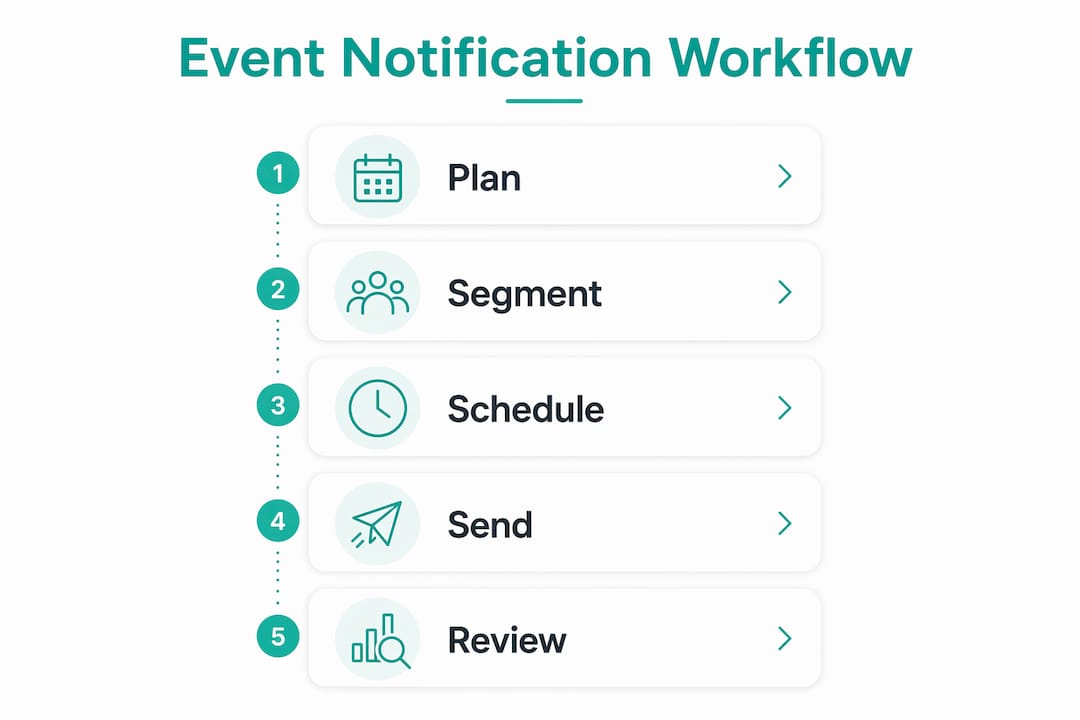
How to implement a structured notification workflow in event planning
A structured workflow starts with a centralized stakeholder communication matrix. This is a document that maps every message type to its audience, channel, frequency, and owner. Assigning message owners and escalation paths eliminates the "I thought you already told them" problem that derails events at the worst possible moment.
A basic communication matrix looks like this:
| Message type | Audience | Channel | Timing | Owner |
|---|---|---|---|---|
| Save-the-date | All attendees | 60–90 days out | Marketing lead | |
| Vendor brief | Vendors | 14 days out | Operations lead | |
| Agenda reminder | Registered attendees | Email + SMS | 7 days out | Event coordinator |
| Day-of join link | All attendees | SMS/WhatsApp | 10 minutes before | Tech lead |
| Escalation alert | Staff only | Direct message | As needed | Event director |
Once the matrix exists, build your tiered urgency levels:
- Informational: No action required. Delivered by email. Examples include agenda updates and speaker bios.
- Decision-needed: Recipient must respond or choose. Delivered by email with a clear deadline. Examples include meal selection and session registration.
- Immediate action: Time-critical. Delivered by SMS or WhatsApp. Examples include room changes, delays, and emergency alerts.
Tiered urgency levels with predefined roles and channels make escalation automatic rather than improvised. When something goes wrong on event day, your team should already know who sends what, through which channel, and to whom. That pre-planning is what keeps a minor problem from becoming a visible crisis.
Hophey supports this kind of structured coordination with built-in event reminders, email notifications, and Telegram alerts. Teams using Hophey can assign roles, track event milestones, and communicate through dedicated channels without mixing celebration logistics with everyday work messages.
What common pitfalls should event planners avoid with notifications?
The most damaging mistake in event notification planning is treating every channel as interchangeable. Using a single channel for all message types leads to buried critical updates or costly, ineffective communication. Formal documents sent through chat threads get lost. Urgent alerts sent by email get read hours too late.
Other pitfalls that consistently undermine event communication:
- Over-notifying the full list. Sending every update to every stakeholder trains people to ignore your messages. Reserve broadcast notifications for information that genuinely affects everyone.
- Stacking multiple channels simultaneously. Sending the same message across email, SMS, and chat at the same time creates a redundancy tax. Recipients start filtering you out.
- No escalation protocol. Without a predefined escalation path, urgent issues get communicated inconsistently. One team member texts. Another emails. A third posts in a group chat. The result is confusion, not resolution.
- Ignoring post-event data. Most coordinators move on to the next event without reviewing which notifications worked. That skips the most valuable feedback loop available.
Pro Tip: Run a 15-minute notification debrief within 48 hours of every event. Ask your team three questions: Which message generated the most confusion? Which channel failed? What would we send earlier next time? Those answers build a better system faster than any template.
The role of reminders in event planning is not just logistical. Reminders signal to attendees that the event is organized, that their time is respected, and that the coordinator is in control. A poorly timed or misdirected notification communicates the opposite. For event communication strategies that go beyond reminders and build genuine team culture, the principles are the same: intentional, segmented, and timely.
Key Takeaways
Effective event notifications require a structured, multi-channel workflow with segmented audiences, tiered urgency levels, and predefined message owners at every phase of the event lifecycle.
| Point | Details |
|---|---|
| Match channel to urgency | Use email for formal documents and SMS or WhatsApp for time-critical day-of alerts. |
| Map notifications to milestones | Send communications at 60–90 days, 14 days, 7 days, and day-of for consistent coverage. |
| Segment every message | Target alerts by audience group to reduce fatigue and improve engagement. |
| Build a communication matrix | Assign message types, channels, owners, and escalation paths before the event begins. |
| Debrief after every event | Review which notifications worked and which failed to improve the next event's workflow. |
Notifications as connective tissue: a coordinator's honest view
I have worked with event teams that sent 40 notifications for a single conference and teams that sent four. The ones with 40 were not more organized. They were louder. The teams that ran the tightest events treated their notification workflow the way a good editor treats a publication. Every message had a reason to exist, a specific audience, and a clear call to action.
The shift I find most significant right now is the move toward behavior-triggered notifications. Instead of sending a reminder at a fixed time, the system sends it when a specific condition is met: a registration is confirmed, a payment clears, or a session slot fills up. That kind of programming approach to notifications moves attendees from awareness to action without the guilt-based "don't forget!" messaging that most coordinators default to.
What I tell every coordinator I work with: notifications are not a courtesy. They are a coordination tool. Treat them with the same discipline you apply to your run-of-show document. Build the matrix. Assign the owners. Set the cadence. Then let the system do the work while you focus on the event itself.
The coordinators who resist this structure always cite the same reason: "Our events are too unpredictable." That is exactly why the structure matters. When something unexpected happens, a predefined escalation path keeps your team calm and your attendees informed. Without it, you are improvising under pressure, and that is when communication breaks down entirely.
— Konstantin
How Hophey supports structured event notification workflows
Event coordinators who want a purpose-built system for managing reminders, team communication, and milestone tracking will find Hophey worth a close look.
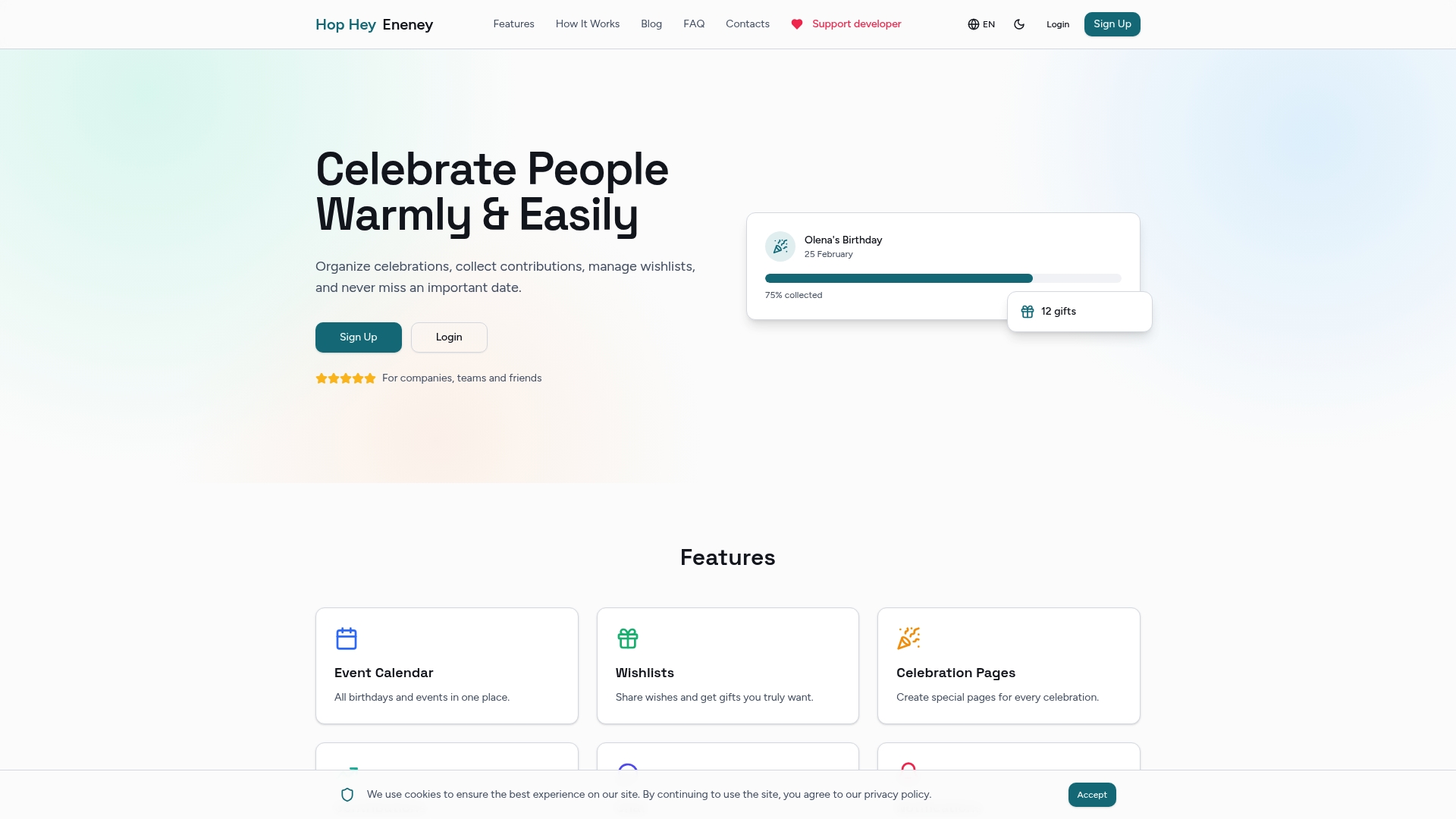
Hophey combines event calendar management with automated email and Telegram notifications, role-based permissions, and private coordination channels. HR teams use it to automate employee recognition without manual follow-up. Remote teams use it to keep celebrations organized across time zones. Friend groups use it to coordinate surprise events without tipping off the guest of honor. Every feature is built around the same principle that drives good notification design: the right message, to the right person, at the right time. Visit Hophey to see how it fits your next event.
FAQ
What is an event notification?
An event notification is an automated or manually triggered message sent to attendees, vendors, or team members to inform them of a relevant update, reminder, or action required at a specific point in the event lifecycle.
Why use event reminders instead of a single announcement?
A single announcement gets forgotten. A sequence of reminders tied to event milestones keeps attendees engaged and reduces no-shows by reinforcing key information at the moments it is most relevant.
What are the main types of event reminders?
The main types are informational reminders, decision-needed prompts, and immediate-action alerts. Each type maps to a specific channel: email for context-heavy messages, SMS or WhatsApp for urgent day-of updates.
How do you prevent notification fatigue in event communication?
Segment your audience so each group receives only relevant messages, assign a fixed volume limit per event phase, and avoid stacking the same message across multiple channels simultaneously.
How far in advance should event notifications be sent?
A structured cadence covers four key windows: 60–90 days before the event, 14 days out, 7 days out, and day-of. Each window serves a different communication purpose and targets a different level of attendee readiness.