
TL;DR:
- Virtual celebration planning focuses on creating engaging online events through intentional structure, suitable technology, and guest-centered design. Proper planning enhances emotional impact, ensuring guests feel connected regardless of location. Effective use of platform choices, interactive agendas, and thorough preparation maintains energy and memorability throughout the event.
Virtual celebration planning is the process of designing and managing engaging online events that create genuine connection and joy for participants regardless of their location. Done well, it rivals any in-person gathering for emotional impact. Done poorly, it produces awkward silences and early dropouts. The difference comes down to three factors: intentional structure, the right technology, and guest-centered design. This guide covers every stage, from platform selection through post-event follow-up, using 2026 best practices that apply equally to birthday parties, corporate milestones, and everything in between.
What is a virtual celebration planning guide and why does it matter?
A virtual celebration planning guide is a structured framework for organizing online events that prioritize engagement over logistics. The core insight most planners miss is this: virtual events require active design tailored specifically for online engagement, not a copy of an in-person agenda. That distinction changes every decision you make, from how long the event runs to how you word the invitation.
Emotional intention is the anchor for successful virtual celebrations. Meaningful, short moments outperform lengthy passive observation every time. A five-minute video tribute from a colleague lands harder than a 30-minute keynote nobody asked for. Planning with that principle in mind produces events people actually remember.
Remote teams and friend groups face a specific challenge: distance removes the ambient social energy that makes in-person events feel alive. Structure compensates for that loss. A well-built agenda, clear roles, and a tested tech setup replace the natural flow that physical proximity provides. Hophey is built around exactly this need, giving teams a private space to coordinate celebrations without chaos.
What are the essential tools and platforms for a successful virtual celebration?
Platform choice determines what your event can and cannot do. The right stack depends on three variables: guest count, event format, and your audience's comfort with technology.
| Event type | Guest count | Recommended platform layer | Key feature needed |
|---|---|---|---|
| Intimate birthday | 8–25 guests | Video conferencing | Breakout rooms, reactions |
| Corporate milestone | 50–200 guests | Webinar or hybrid platform | Registration, recording |
| Drop-in celebration | 50+ guests | Broadcast-style streaming | Chat moderation, replay |
| Surprise party | 8–25 guests | Private video call | Waiting room, mute control |
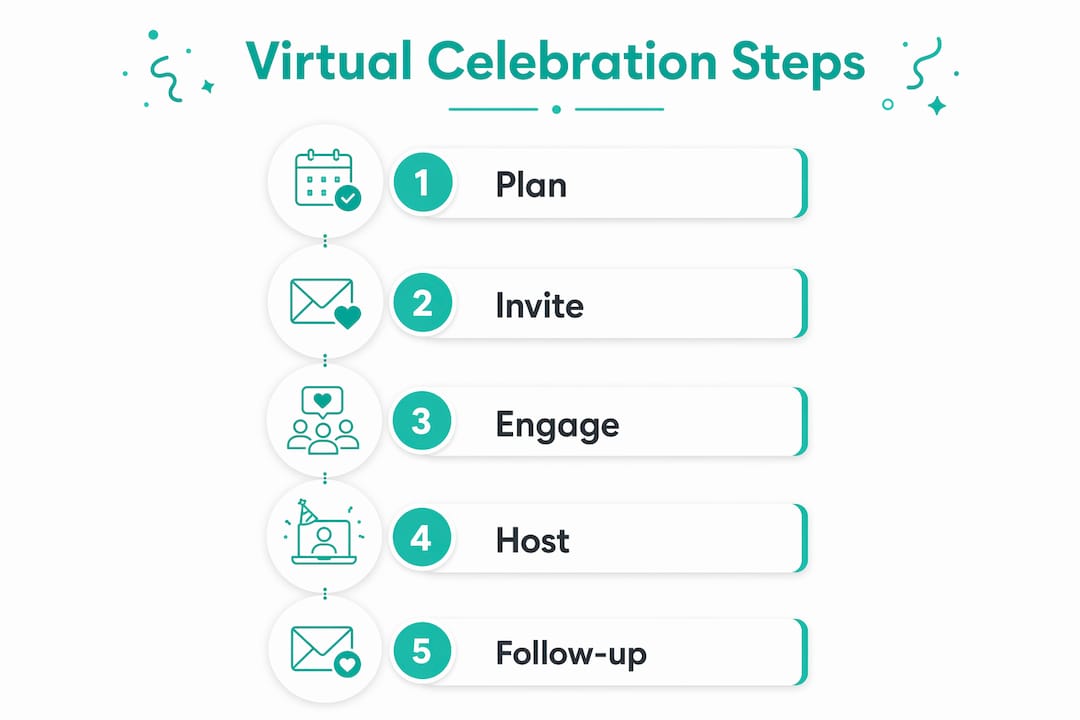
Virtual events with 8–25 guests foster high interaction, while 50+ guest events suit a drop-in format with limited back-and-forth. Choosing the wrong format for your guest count is the single most common planning mistake.
Beyond the main video platform, build a simple tech stack: a registration or RSVP tool, a communication channel for pre-event updates, and a backup plan if the primary platform fails. Always test audio, video, and screen sharing at least 48 hours before the event. Write a one-page tech guide for guests that covers how to join, how to unmute, and who to contact if something breaks.
Pro Tip: Design your tech setup for the least digitally confident person on your guest list. Designing for the least tech-savvy attendee reduces troubleshooting during the live event and keeps energy high from the start.
How to design engaging agendas and interactive activities for virtual celebrations?
Agenda design is where most virtual events succeed or fail. Attention online is fragile, and a passive audience becomes a distracted one within minutes.

Optimal virtual celebration durations are 45–60 minutes for personal events and 90–120 minutes for adult gatherings. Schedule an interaction point every 8–15 minutes to maintain focus. That cadence is not arbitrary. It matches the natural rhythm at which online attention drifts without a prompt to re-engage.
Effective interaction points include:
- Live polls on a fun or meaningful question related to the honoree or team
- Breakout rooms for small group conversations, toasts, or games
- Chat prompts asking guests to share a memory, a word, or a photo
- Synchronized activities such as opening a shared party box or raising a glass together
- Gratitude rounds where each guest shares one sentence about the person being celebrated
Synchronized party boxes containing treats and themed items dramatically enhance tangible connection during virtual celebrations. Shipping a small box to each guest before the event creates a shared sensory moment that no digital feature can replicate.
For corporate events, anchor the agenda around one or two signature moments rather than filling every minute. A recorded video message from leadership, a team trivia game, or a live award presentation each serve as emotional anchors. For personal celebrations, a shared memory segment where guests tell short stories about the honoree consistently produces the most memorable moments.
Pro Tip: Build your agenda backward from the emotional high point. Place your most powerful moment two-thirds of the way through, not at the end. Guests who feel the peak early stay engaged longer.
Balancing depth versus duration matters. A 45-minute event with four strong interaction points beats a 90-minute event with one. Engagement-first planning and depth over duration improve memorability. Explore remote team celebration ideas for format inspiration across different event types.
What are best practices for guest management, invitations, and accessibility?
Guest management starts weeks before the event and runs through the final follow-up message. The invitation sets the tone for everything that follows.
- Send a Save-the-Date first. Give guests at least two weeks' notice for personal events and four weeks for corporate gatherings. Include the date, time, and a single clear link.
- Use video invitations. Video invitations increase RSVP rates by 4.2 times compared to static images. A 30-second personal video from the host or organizer creates emotional investment before the event begins.
- Follow a reminder schedule. Send reminders at 48 hours, 24 hours, and 15 minutes before the event. Timely reminders reduce no-show rates by 30–50%. Each reminder should include the join link and a one-line reason to be excited.
- Address tech anxiety directly. Write invitation copy that acknowledges the online format and reassures guests. A line like "No special software needed, just click the link" removes a common barrier.
- Plan for time zones. List the event time in at least two time zones if your guest list spans regions. Offer a recorded replay for guests who cannot attend live.
Accessibility is not optional. Provide captions if your platform supports them. Send the agenda in advance so guests with anxiety or sensory sensitivities can prepare. Keep the join process to one click whenever possible. Check out communication tips for celebrations for language that reduces friction and increases attendance.
How to prepare and host the virtual event day for smooth flow and high energy?
Day-of execution separates a polished event from an amateur one. Preparation the morning of the event matters as much as the weeks of planning before it.
- Open the virtual room 15 minutes early. Starting virtual events 15 minutes early allows troubleshooting and reduces attendee frustration before the formal program begins.
- Assign a co-host or producer. This person manages the chat, admits guests from the waiting room, and handles any technical issues while the main host focuses on the program.
- Run a full technical rehearsal the day before. A run-of-show script and multiple rehearsals are critical to preventing technical failures and amateurish transitions. Two rehearsals are the standard: one for tech, one for flow.
- Use a time-controlled run-of-show script. List every segment with its start time, speaker, and required tech action. This document keeps the event on track even when something unexpected happens.
- Prepare a contingency plan. Know what you will do if the platform crashes, a key speaker drops, or audio fails. Have a backup video call link ready to share immediately.
- Manage transitions actively. Announce each segment change clearly. Dead air is the enemy of virtual energy.
The co-host role is underused and undervalued. Most event failures trace back to one person trying to host, manage tech, and monitor chat simultaneously. Splitting those responsibilities produces a noticeably better experience for every guest.
What follow-up actions enhance the lasting impact of virtual celebrations?
The event ends when the call closes, but the celebration does not. The post-event follow-up phase strengthens community and increases the likelihood of future participation. Teams and friend groups that skip this step lose most of the goodwill the event generated.
Send the event recording within 24 hours. Include a short personal note thanking guests for attending. For corporate events, attach a summary of highlights or key moments. For personal celebrations, a photo collage or short video recap works well as a digital keepsake.
Send a brief survey within 48 hours. Ask two or three questions: what guests enjoyed most, what could improve, and whether they would attend a future event. Responses give you concrete data for the next celebration and signal to guests that their experience matters.
Log attendance and engagement metrics. Note who attended, who engaged actively, and who dropped off early. This data shapes your next invitation list and agenda design. Platforms like Hophey make it straightforward to track participation and coordinate follow-up communication in one place.
Pro Tip: Create a digital guestbook before the event and share the link in your follow-up email. Guests who missed the live event can still leave a message, and the honoree gets a lasting record of who showed up for them.
Key takeaways
A successful virtual celebration requires intentional structure, the right technology, and consistent guest communication from invitation through follow-up.
| Point | Details |
|---|---|
| Design for online, not in-person | Virtual events need their own agenda logic, not a copy of physical event formats. |
| Match platform to guest count | Use intimate video calls for 8–25 guests and broadcast formats for 50+ attendees. |
| Remind guests three times | Send reminders at 48 hours, 24 hours, and 15 minutes to cut no-show rates by up to 50%. |
| Rehearse twice before going live | Run one tech rehearsal and one full flow rehearsal to prevent day-of failures. |
| Follow up within 24 hours | Share the recording, a thank-you note, and a short survey to extend the event's impact. |
What I've learned from planning virtual events that most guides won't tell you
The biggest mistake I see teams make is treating the technology as the event. They spend hours choosing a platform and five minutes thinking about what guests will actually feel during the call. The result is a technically flawless event that nobody remembers.
The second mistake is agenda overload. Organizers pack in speakers, games, awards, and toasts because they are afraid of silence. Silence is not the problem. Passive observation is. A 45-minute event with four genuine interaction points creates more connection than a two-hour program where guests watch other people talk.
What actually works is radical simplicity. Pick one emotional anchor, build the agenda around it, and let everything else support that moment. I have seen a three-minute video of team members sharing their favorite memory of a colleague produce more genuine emotion than an elaborate virtual escape room that cost ten times as much to organize.
Rehearsal is non-negotiable, and I mean a real rehearsal with every speaker present, not a quick tech check. The run-of-show script should be specific enough that any co-host could run the event without you. That level of preparation shows in the final product.
Virtual formats are not a consolation prize for when you cannot meet in person. They are a legitimate celebration format with their own strengths. You can include guests from five countries. You can record the whole thing. You can send a party box to someone's door. Embrace what the format does well instead of apologizing for what it cannot replicate.
— Konstantin
How Hophey supports your next virtual celebration
Planning a virtual celebration involves more than the event itself. Coordinating gifts, managing wishlists, and keeping contributions organized adds a layer of complexity that most teams handle badly.
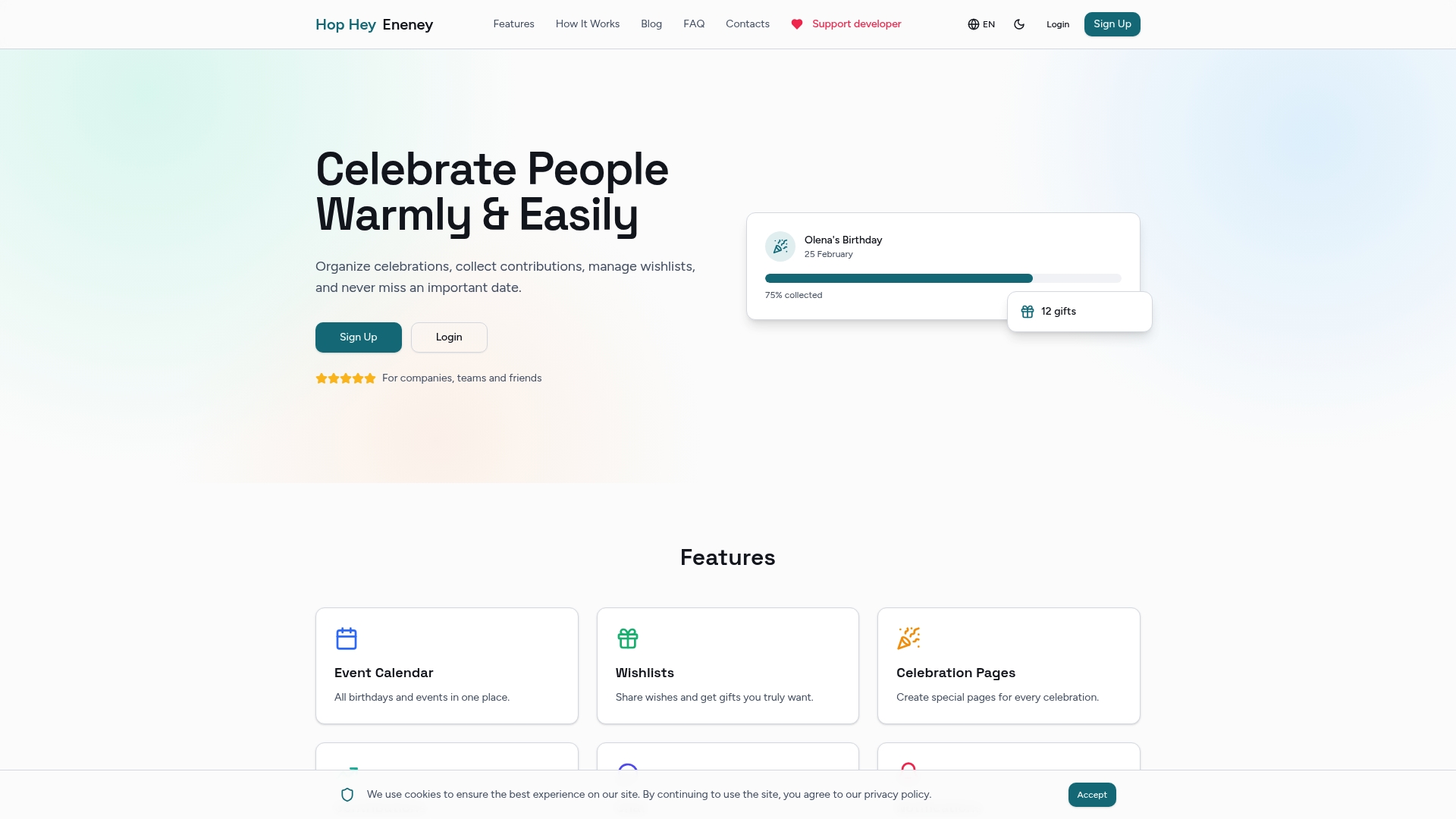
Hophey is built to remove that complexity. The platform gives teams and friend groups a private space to coordinate gift contributions transparently, manage wishlists, and communicate without spoiling the surprise for the person being celebrated. Automated reminders, multi-currency support, and Telegram notifications mean nothing falls through the cracks. Whether you are organizing a birthday for a remote colleague or a corporate milestone event, Hophey handles the gifting side so you can focus on the experience. Learn more about online celebration tools that make the whole process easier for teams of any size.
FAQ
What is the ideal length for a virtual celebration?
Personal virtual celebrations work best at 45–60 minutes. Adult gatherings can run 90–120 minutes if the agenda includes interaction points every 8–15 minutes to maintain attention.
How do video invitations improve attendance?
Video invitations increase RSVP rates by 4.2 times compared to static images. They create emotional engagement before the event and make guests feel personally invited rather than mass-notified.
How many reminders should I send before a virtual event?
Send three reminders: at 48 hours, 24 hours, and 15 minutes before the event. This cadence reduces no-show rates by 30–50% and keeps the event top of mind without feeling excessive.
What is the best guest count for a virtual celebration?
Groups of 8–25 guests produce the highest interaction quality in structured virtual celebrations. Events with 50 or more guests work better in a drop-in or broadcast format with moderated chat.
How do I handle technical failures during a live virtual event?
Prepare a backup join link on a secondary platform and share it immediately if the primary platform fails. Assign a co-host to manage technical issues so the main host can keep the program moving without interruption.