
TL;DR:
- Event management software automates the entire event lifecycle, reducing manual tasks and improving data flow. Choosing the right platform depends on your event size, type, and complexity, with enterprise solutions handling large-scale conferences and small platforms suited for internal gatherings. Effective adoption requires starting small, training role-specific users, and verifying security compliance early.
Event management software is a digital platform that automates and centralizes every stage of the event lifecycle, from initial invitations through post-event analytics. Platforms in this category replace manual tools like spreadsheets and email chains with a single system that handles registration, communication, check-in, and reporting. For professionals managing corporate events, team celebrations, or large conferences, the right platform eliminates the coordination chaos that kills productivity and damages attendee experience. This guide explains what event management software does, how it works, and how to choose the right type for your organization.
What is event management software and how does it work?
Event management software is defined as a purpose-built platform that automates the administrative and operational tasks required to plan, run, and analyze events. The industry term for this category is "event lifecycle management," which covers everything from the first attendee invitation to the final ROI report. Most platforms organize these tasks into modules that work together, so data flows automatically between registration, communication, and analytics without manual re-entry.

The core workflow follows a predictable pattern. A team creates an event, sets up a registration page, sends invitations, manages RSVPs, coordinates logistics, runs check-in on the day, and then reviews attendance and engagement data afterward. Event management tools handle each of these steps inside one system. That centralization is the primary operational advantage. Administrative overhead drops significantly because staff no longer toggle between spreadsheets, email clients, and separate survey tools.
Integration with existing business systems extends that advantage further. Enterprise platforms connect with CRMs like Salesforce and HubSpot, pulling contact data in and pushing attendance records back. That means your sales team sees which prospects attended a product demo, and your HR team sees which employees completed a training event, all without a manual export. The team event coordination process becomes a documented, repeatable workflow rather than a one-off scramble.
Core features of event management software
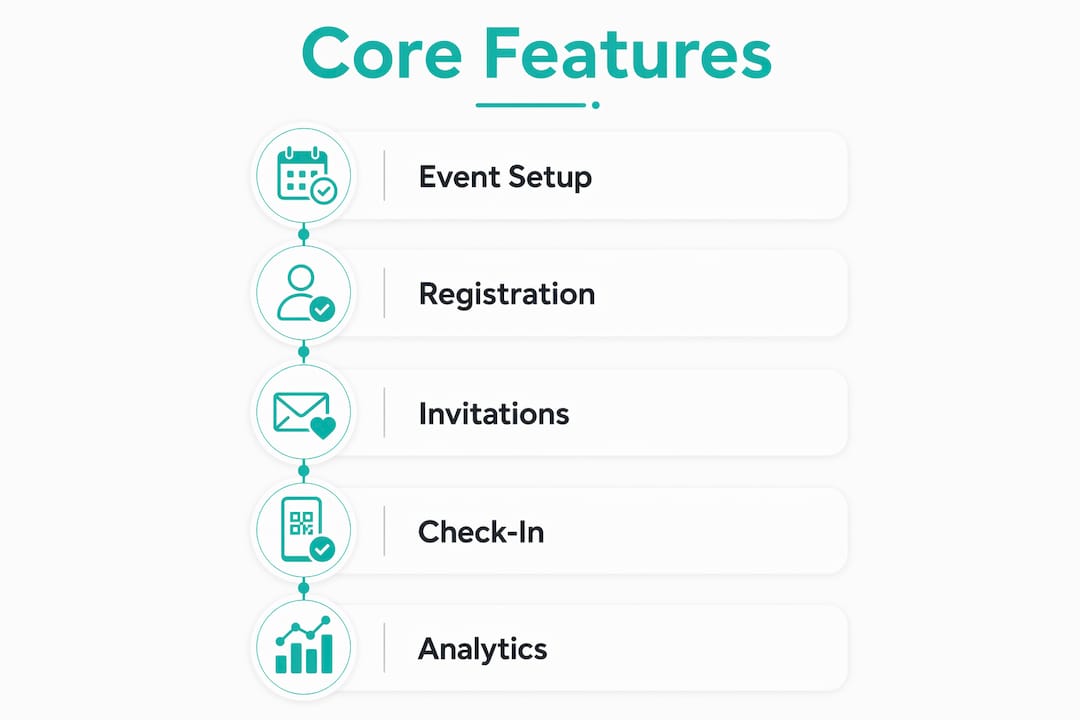
The features that define a capable platform fall into six functional areas:
- Registration and ticketing: Online forms, payment processing, and confirmation emails sent automatically on signup.
- Invitation management: Branded email campaigns, RSVP tracking, and automated reminders for non-responders.
- Agenda and content management: Session scheduling, speaker profiles, and attendee-facing program pages.
- Onsite check-in: QR code scanning, badge printing, and real-time attendance tracking at the door.
- Attendee engagement: Live polling, Q&A tools, networking features, and in-app messaging.
- Reporting and analytics: Session attendance rates, engagement scores, revenue summaries, and post-event surveys.
Pro Tip: Prioritize platforms that support template reuse and event cloning. Setting up a recurring all-hands meeting or quarterly training from scratch each time wastes hours. Cloning a previous event and updating the details cuts setup time from days to hours.
What types of event management software exist?
Event management tools are not one-size-fits-all. The right platform depends on your event type, team size, and attendee volume. Three broad categories cover most organizational needs.
| Category | Best for | Attendee scale | Learning curve |
|---|---|---|---|
| Entry-level platforms | Private celebrations, small team events, internal meetings | Up to a few hundred | A few hours of training |
| Mid-level platforms | Corporate conferences, training programs, multi-session events | Hundreds to a few thousand | One to two days |
| Enterprise platforms | Large public conferences, trade shows, multi-event portfolios | Up to 50,000+ attendees | Weeks of onboarding |
Entry-level platforms work well for HR teams running birthday celebrations, onboarding events, or department socials. They prioritize ease of use over feature depth. Mid-level platforms add agenda management, sponsor tools, and deeper reporting. Enterprise platforms support complex integrations, 2,500+ business tool connections, and 99.99% uptime guarantees for events where downtime is not an option.
Usability matters as much as feature count. Simple platforms suited for internal events often require only a few hours of training, while enterprise platforms may need weeks before staff can use them confidently. Choosing an enterprise platform for a 50-person team offsite creates unnecessary friction. Choosing an entry-level tool for a 5,000-person conference creates operational risk. Match the platform to the event, not to the most impressive feature list.
For teams running workshop-based team events or recurring internal programs, mid-level platforms typically offer the best balance of capability and ease of adoption.
Common misconceptions about event management software
The biggest misconception is that event management software and webinar tools are the same thing. They are not. Webinar tools focus on broadcast delivery, meaning they stream content from a presenter to an audience. Event management platforms handle the entire event lifecycle, including invitations, registration, communication, onsite check-in, and post-event follow-up. A webinar tool starts when the stream begins. An event platform starts weeks before and ends weeks after.
A second misconception is that one platform works equally well for every event type. Organizations that run both a 30-person executive dinner and a 3,000-person annual conference rarely find one tool that serves both well. Selecting software by event type rather than by brand reputation improves usability and outcomes. Private, curated events need discretion, simple RSVP flows, and personal communication. Large public events need capacity management, sponsor portals, and real-time analytics dashboards.
The third misconception is that event software is only a planning tool. That framing undersells its value by half. Event management software also functions as a revenue and engagement measurement system. It tracks which sessions drew the most attendance, which sponsors generated the most leads, and which attendee segments converted to customers. That data proves event value to leadership and informs decisions for the next event. Organizations that treat the platform only as a logistics tool leave the most valuable output unused.
Key clarifications worth keeping in mind:
- Event platforms cover the full lifecycle. Webinar tools cover only the broadcast moment.
- No single platform is optimal for every event scale or type.
- Post-event analytics are a core function, not a bonus feature.
- The software measures engagement and ROI, not just headcount.
Best practices for implementing event management software
Start small. Teams that attempt to migrate all manual processes at once consistently struggle with adoption. Staff get overwhelmed, errors increase, and confidence in the new system drops fast. The more reliable path is to automate one high-frequency, low-complexity task first, such as invitation sending or RSVP collection, and then expand from there once the team is comfortable.
- Audit your current process. List every manual task your team performs for a typical event. Identify the three most repetitive ones. Those are your first automation targets.
- Run a pilot event. Use the new platform for one real event before committing to full adoption. A smaller internal event is the right test case.
- Check data security requirements early. SOC2 Type 2 and ISO 27001 compliance are requirements for many enterprise and government organizations. Discovering a vendor does not meet your security standards after a six-week evaluation wastes significant time.
- Train by role, not by feature. Show the registration manager only the registration module. Show the analytics lead only the reporting dashboard. Role-specific training reduces cognitive load and speeds up adoption.
- Review post-event data after every event. Build the habit of checking session attendance, survey results, and engagement scores within 48 hours of each event. That cadence turns data into institutional knowledge.
Pro Tip: Before signing any contract, ask the vendor for a security compliance checklist specific to your industry. Healthcare and financial services organizations face stricter data handling requirements than most, and not all platforms meet those standards.
For teams focused on boosting employee engagement through events, phased adoption also reduces the risk of disrupting existing recognition programs while the new system beds in.
Key Takeaways
Event management software is most valuable when organizations use it across the full event lifecycle, from registration through post-event analytics, rather than treating it as a planning-only tool.
| Point | Details |
|---|---|
| Full lifecycle coverage | The platform handles invitations, registration, check-in, and post-event reporting in one system. |
| Match platform to event scale | Entry-level tools suit small private events; enterprise platforms are built for 50,000+ attendees. |
| Avoid all-at-once migration | Start by automating one simple task like RSVPs before expanding to the full platform. |
| Check security compliance early | SOC2 Type 2 and ISO 27001 requirements should be verified before shortlisting vendors. |
| Analytics are a core output | Session data, engagement scores, and ROI reports are primary deliverables, not optional extras. |
Why tool choice matters more than most teams realize
The most common mistake I see organizations make is choosing an event platform based on a demo rather than a real workflow audit. A polished interface looks great in a 30-minute sales call. It looks very different when your team is trying to set up 12 concurrent sessions, manage a sponsor portal, and troubleshoot check-in on the morning of a 2,000-person conference.
The organizations that get the most out of event management software are the ones that define success metrics before they select a platform. They know whether they care more about attendee engagement scores, revenue per event, or staff hours saved. That clarity drives better vendor questions and better contract terms.
Data-driven event improvement is also underused. Most teams review attendance numbers and move on. The teams that improve event quality year over year are the ones that cross-reference session attendance with post-event survey scores, identify which formats generate the most engagement, and carry those findings into the next planning cycle. The software makes that analysis possible. The discipline to actually do it is what separates good event programs from great ones.
Adoption challenges are real, but they are almost always a change management problem, not a technology problem. When staff understand why the new system exists and see it reduce their own workload, adoption follows naturally.
How Hophey fits into your event planning toolkit
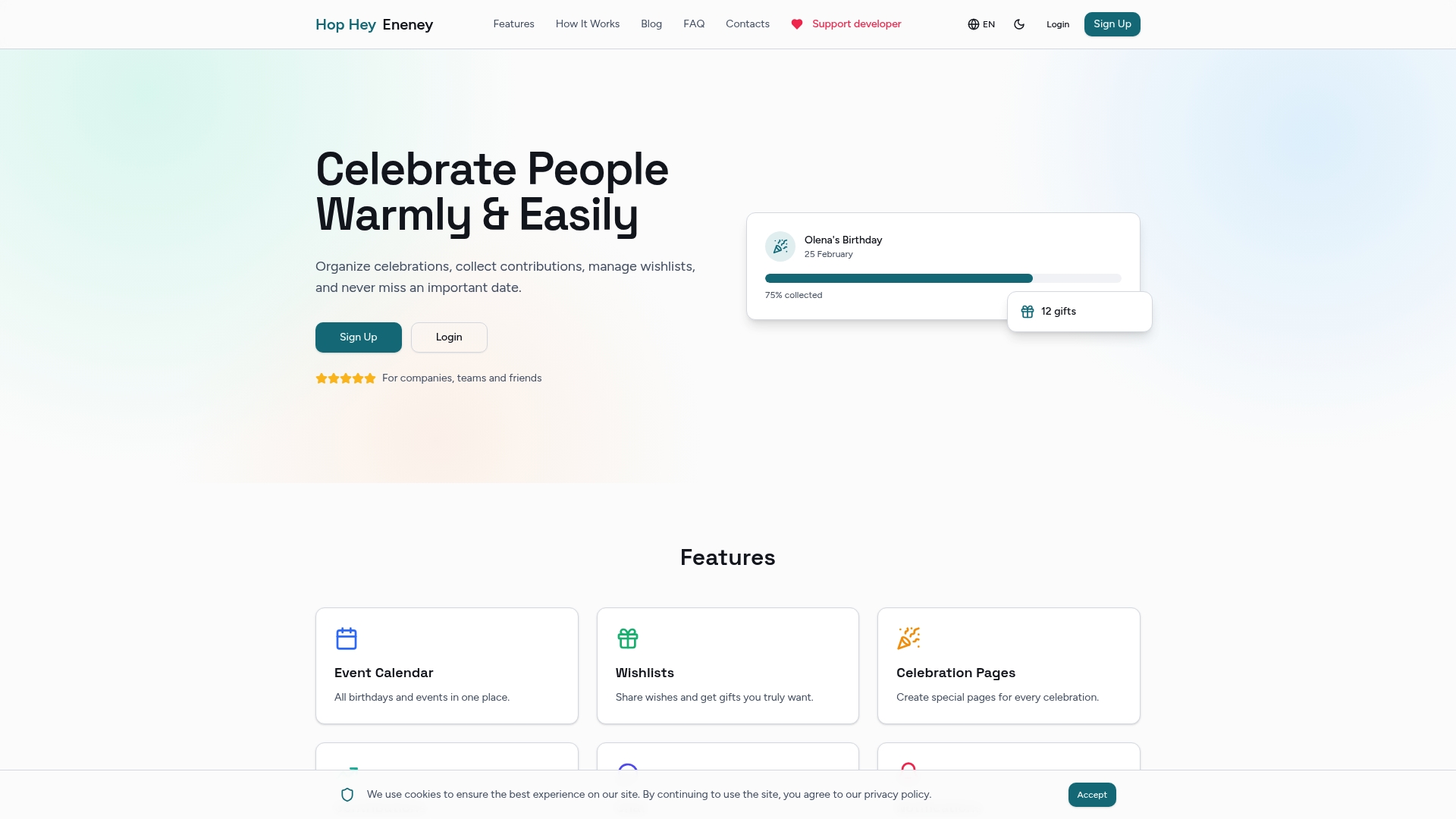
Event management platforms handle logistics at scale. Hophey handles the human side of events: the celebrations, the gift coordination, and the moments that make people feel genuinely recognized. For HR teams and people managers who run employee birthdays, work anniversaries, and team milestones alongside larger corporate events, Hophey fills a gap that enterprise event software was never designed to cover.
Hophey lets teams create private celebration pages, collect gift contributions transparently, and coordinate surprise events without the person being celebrated ever seeing the planning. With multi-currency support across UAH, USD, and EUR, automated reminders, and Telegram notifications, it works for remote and distributed teams as naturally as it does for in-office groups. Visit Hophey Gifts to see how it complements your existing event planning process.
FAQ
What is event management software used for?
Event management software automates the full event lifecycle, including registration, communication, check-in, and post-event analytics. Organizations use it to reduce manual workload and capture attendee data for reporting and ROI measurement.
How does event software differ from a webinar tool?
Webinar tools handle live broadcast delivery only. Event management software covers the entire event process, from invitations and registration through onsite check-in and follow-up communications.
What features should I look for in event management software?
The core features to evaluate are registration and ticketing, invitation management, onsite check-in, attendee engagement tools, and post-event reporting. Template reuse and event cloning capabilities are also worth prioritizing for teams that run recurring events.
Is event management software suitable for small internal events?
Entry-level platforms work well for small private or internal events and typically require only a few hours of training. Enterprise platforms are designed for large public conferences and carry a steeper learning curve that is unnecessary for smaller teams.
What security standards should event software meet?
SOC2 Type 2 and ISO 27001 are the most common compliance standards required by enterprise and government organizations. Verify a vendor's certifications before beginning a formal evaluation to avoid disqualifying a platform late in the process.
— Konstantin